How to create a Wordpress child theme
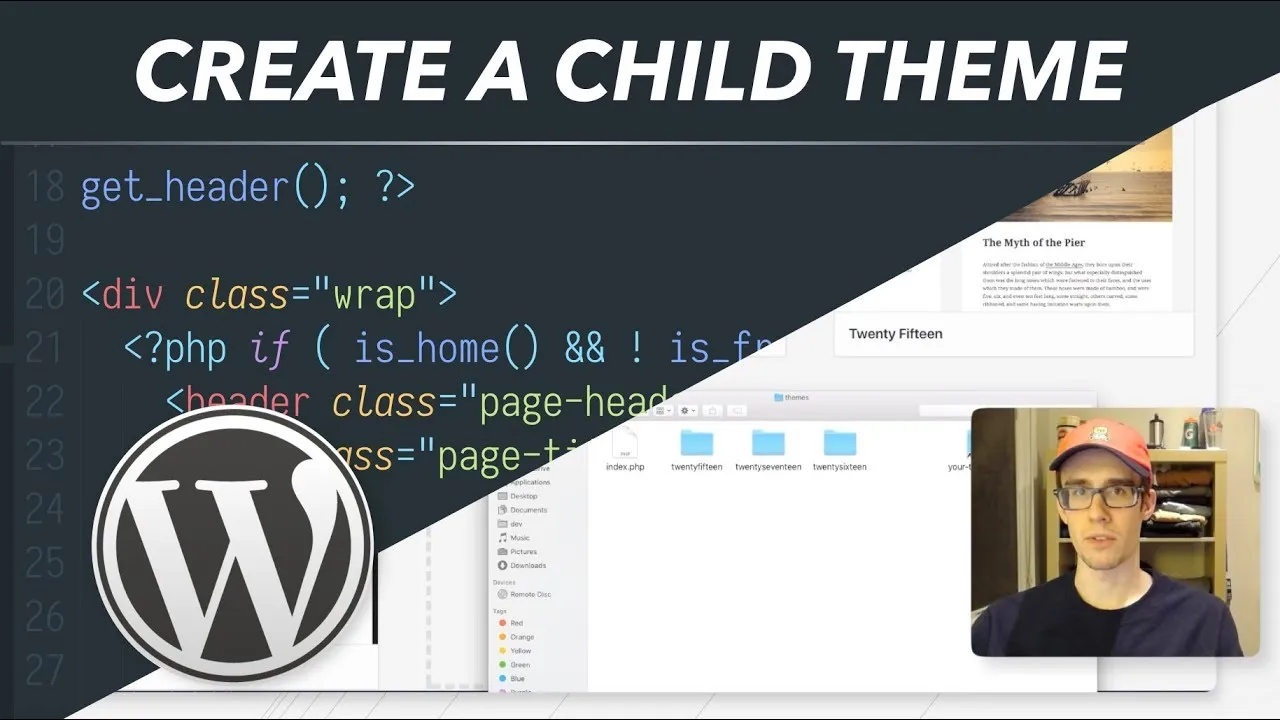
A child theme inherits its styles and templates from another theme. You get to make big layout and style changes without editing the base theme, and without losing them when the base theme updates. It takes two files.
The cheatsheet
Creating the child theme folder
/Applications/MAMP/htdocs/wordpress/wp-content/themes/twentyseventeen-childThe convention is the parent theme’s folder name with -child on the end. I’m modifying the 2017 theme.
Declaring the theme
/*
Theme Name: Twenty Seventeen Child
Description: A child theme of Twenty Seventeen
Author: Jack Lot
Template: twentyseventeen
Version: 1.0
*/
The first file, style.css. WordPress reads a theme’s config out of a CSS comment, and the line that matters is Template, which must be the parent theme’s folder name. Save it and the child theme shows up under Appearance then Themes.
Loading the parent’s styles
<?php
add_action( 'wp_enqueue_scripts', 'enqueue_parent_styles' );

function enqueue_parent_styles() {
    wp_enqueue_style( 'parent-style', get_template_directory_uri() . '/style.css' );
}
The second file, functions.php. Without it the site loads unstyled, because nothing has told it to pull in the parent’s CSS. Anything below the comment block in your child’s style.css now overrides the parent.
Overriding a layout file
wp-content/themes/twentyseventeen/template-parts/post/content.php
wp-content/themes/twentyseventeen-child/template-parts/post/content.php
Copy the parent’s template into the child theme at the same path and WordPress looks in the child folder first. content.php is a single post, index.php the home page, header.php and footer.php the top and bottom of every page, and page.php an individual page.
Going further
This picks up where the previous episode left off, so if you do not have WordPress running locally yet, start with installing WordPress locally with MAMP. Smashing Magazine has the longer walkthrough of creating and customizing a child theme that I linked in the description.