Git doesn’t need pull requests — so why do they exist?
Pull requests aren’t a Git feature, they were created by Git hosting services like GitHub and GitLab to address one of Git’s inherent shortcomings.
Out of the box, Git supports collaboration: you can clone a repository, create branches, make commits and merge changes without ever opening a pull request; however, Git doesn’t have a way to authorize users. Locking down your repository so that only certain authorized individuals have write permissions, is up to you.
The problem is permissions
Imagine an open source project hosted on GitHub or GitLab. In theory, collaboration is straightforward: you host the repository, contributors clone it, make changes, and push those changes back. But without a way to lock down who can push means unreviewed changes get merged, bugs slip through, and production code is affected.
Git was purposefully built without permissions architecture, so the solution to this problem needs to come from outside Git.
How hosting services solve it
The repository itself is write protected inside the hosting service with a security layer provided by the hosting service itself. This permits only a small group of maintainers to push to it directly. Everyone else goes through a fork.
Forks
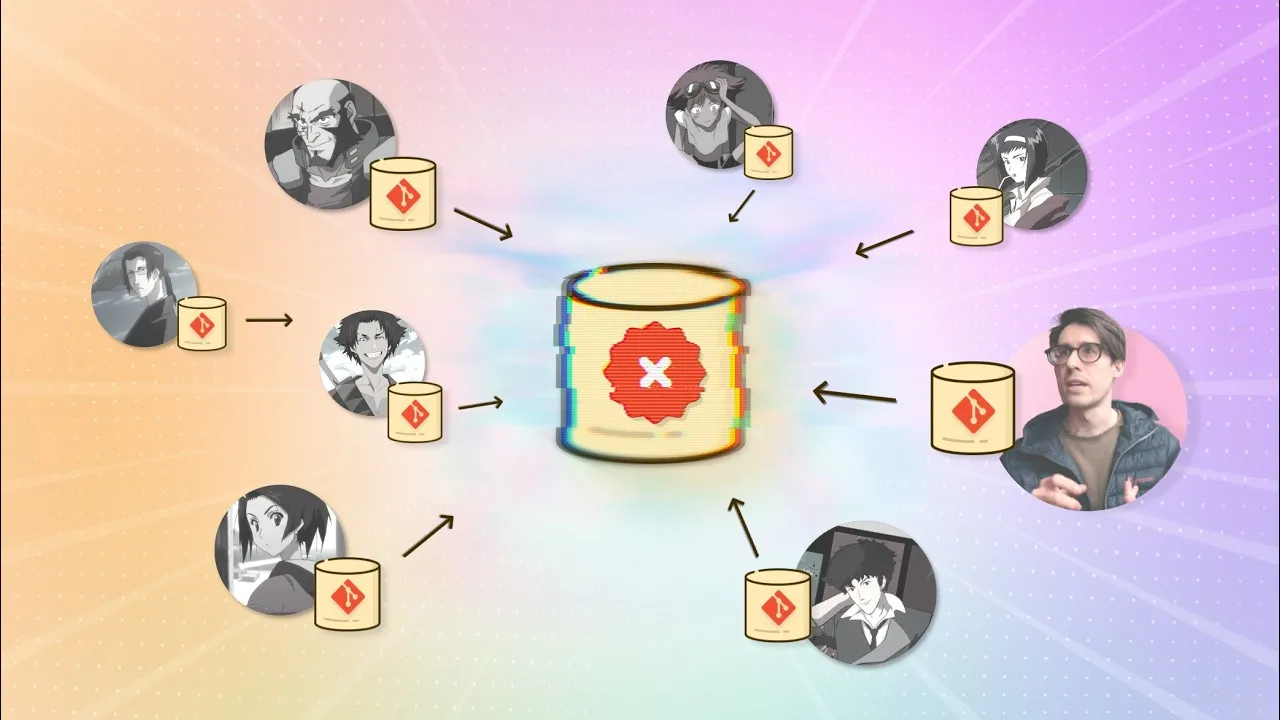
A fork is a clone of the original repository made within the same hosting service as the original. That original repo is called the upstream and is owned by the admin group, but the forked copy belongs to whoever created it.
The contributor clones their fork locally, makes changes and pushes those changes back into their fork. They then send a request to the admin group asking them to merge whatever changes the collaborator made into the upstream repo. Maintainers can review the commits and file diffs inside the hosting service’s interface, and only after they approve does everything merge into the protected repository.
The take away
- Git is responsible for managing history.
- Pull requests are responsible for managing trust.
Git handles commits and branches; pull requests control who can merge changes and under what conditions.
Going further
- Learn more about forks
- Go further with LearnGit.io’s collaboration course which covers clone/push/fetch/pull in depth, along with remote branches and common workflows