Git Fork: When Cloning Isn't Enough
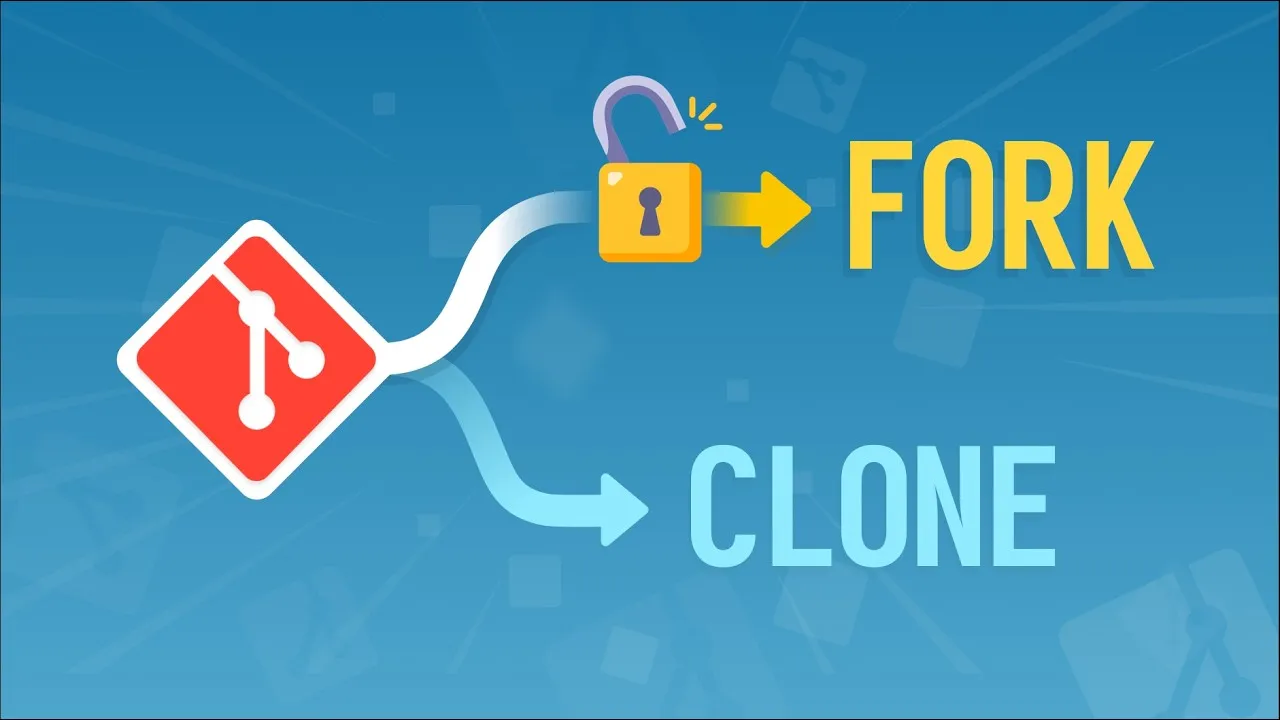
A fork is a server side copy created by your hosting service, and it exists for one reason: write permissions.
What a fork provides that clone doesn’t
Cloning is a Git operation: pass it the URL of a repository that lives somewhere on the internet (whether that’s GitHub, GitLab or a friend’s private server) and Git downloads a copy to your computer.
Forking is an operation initiated by your hosting service (GitHub, GitLab etc). Forking creates a duplicate of the original repository inside the hosting service with some extra scaffolding.
The fork is owned by you, but the hosting service keeps a link between it and the upstream. This two-way link enables you to update your fork with any new changes from the upstream repository, and contribute to that upstream repository via pull requests.
The cheatsheet
Downloading your fork locally
git clone <fork-ssh-address>Your fork only exists inside the hosting service, so clone it to your local development machine to make code changes. Cloning over SSH is preferred, but requires creating a public/private keypair and sharing it with your hosting service first.
Checking your origin
git remote -vShows the name and location of the remote counterpart to your local repository. Since you cloned the fork, origin points at your fork, not at the upstream.
Pushing branches to your fork
git push origin <branch>This command uploads your local feature branch into your forked copy. From there, you can open a pull request.
Additional resources
- What clone does behind-the-scenes
- Pull requests visualized
- An introduction to clone, push, and fetch
- How to create an SSH keypair
- Comprehensive course on Git collaboration