
Learn Git Rebase in 6 minutes // explained with live animations!
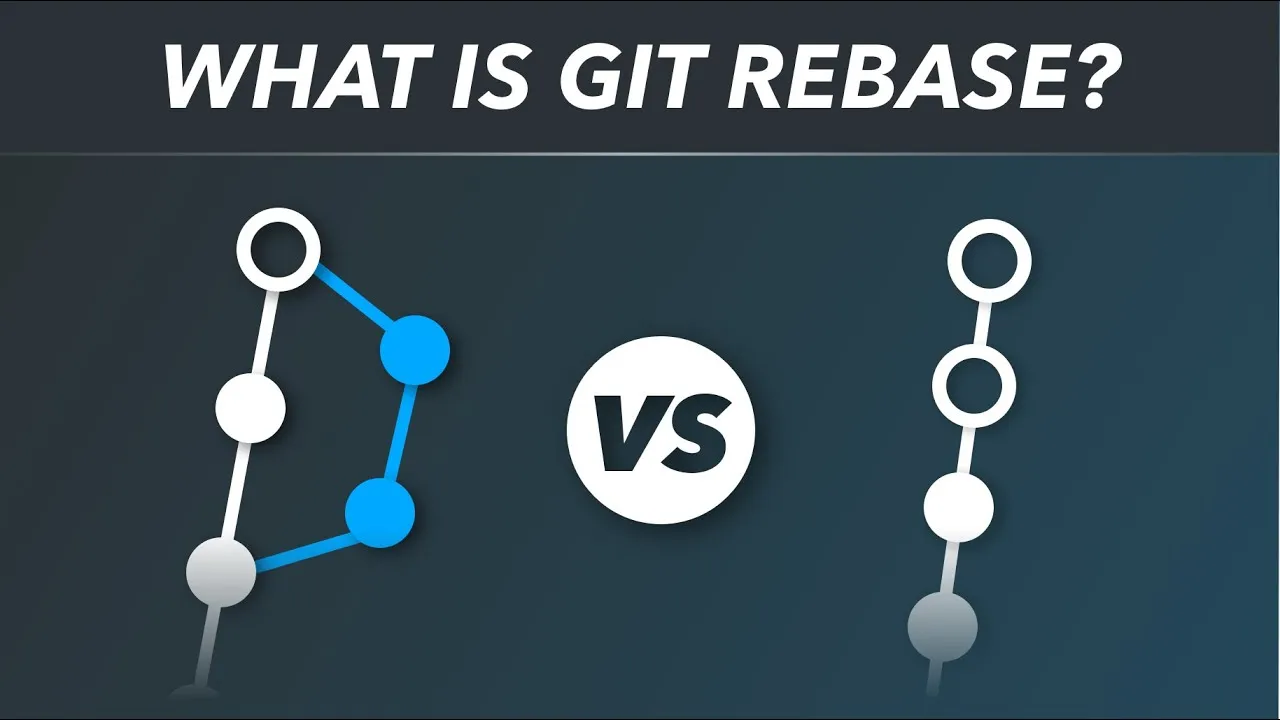
Merging and rebasing have the same goal: take the commits from a feature branch and put them onto another branch. What differs is the shape of the history you end up with. This is the rebase workflow my team at Amazon adopted.
Merge versus rebase
git merge stuffs all of your feature branch changes into a single merge commit and puts that commit on master. On a team where everyone is pushing their own branches the graph gets gross fast, and hard to trace. Rebase moves the commits themselves on top of the master commits instead, blowing the originals away and duplicating them, so in a sense it rewrites history. What you get is a straight line, easy to follow even with a lot of people on the project. Two drawbacks: it does not play well with open source pull requests, because small changes become hard to trace, and it is dangerous on a shared branch.
The cheatsheet
Starting a feature
git pull
git checkout -b my_cool_feature
Sync your local master with the remote, then branch off so your commits live there rather than disrupting master.
Catching up before you rebase
git checkout master
git pull
When the feature is done, pull again so master has anything your coworkers pushed while you were working.
Re-anchoring your branch
git checkout my_cool_feature
git rebase master
Replays your commits on top of the up-to-date master. Git reports conflicts here, and you resolve them on your own branch, before touching master.
Moving the branch onto master
git checkout master
git rebase my_cool_feature
Rebases in the other direction. Because you already reconciled the two, your mainline comes out nice and straight, and git push ships it.
Going further
I wrote the workflow up as a reference you can keep open while you try it: a better Git workflow with rebase. Atlassian makes the case against rebasing in open source in the golden rule of rebasing. The command comes apart properly in the rebase deconstructed course at LearnGit.