
Gitflow Explained
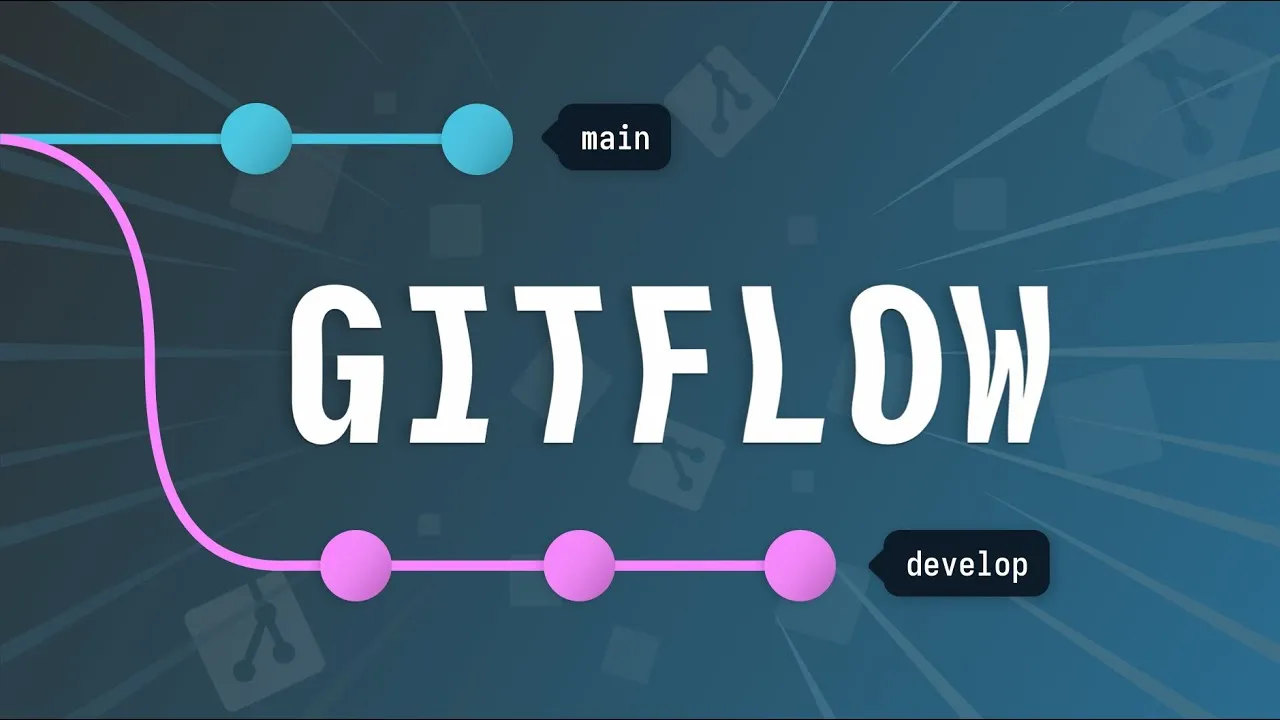
Gitflow is a Git branching model: no special commands, just a description of how to use branching and merging in a particular order.
The development branch
Instead of creating and merging feature branches directly from main, Gitflow introduces a secondary, longer lived development branch alongside it. Developers branch from this dev branch and merge back when the feature is complete. Each commit on dev typically represents one finished feature.
Release branches
Once enough features have piled up on dev they get bundled together in anticipation for making the trip into main together. But merging several features at once increases the risk of conflicts and bugs.
Gitflow solves this with a release branch which snapshots dev at a point in time. This release branch is where testing, bug fixing and other release work occures. While the next batch of features is being tested, feature development can carry on in the dev branch. When the batch is ready it merges into main, as well as dev (to account for any code changes made during testing).
Tags and hotfixes
Gitflow is often used by teams on a waterfall development cycle, meaning longer delivery times between releases. Each time a release branch merges into main, that merge commit is tagged with a version number.
The Gitflow release process bundles together many features at once, so merges to main are slower and more spread out. Urgent bugs need to shortcut this process, and that’s what hotfix branches provide. These hotfix branches spawn directly from main, and are for urgent code changes that need to bypass the lengthly release branch process. Hotfix branches merge back into both main and dev.
Going further
Gitflow was conceived by Vincent Driessen, and his original blog post has an in-depth explanation, diagrams and code samples. There is also a git-flow extension library that wraps up the branching combinations; however, plain branching and merging is all Gitflow needs.