
Git REBASE Explained: Unveiling Rebase's Hidden Hazard
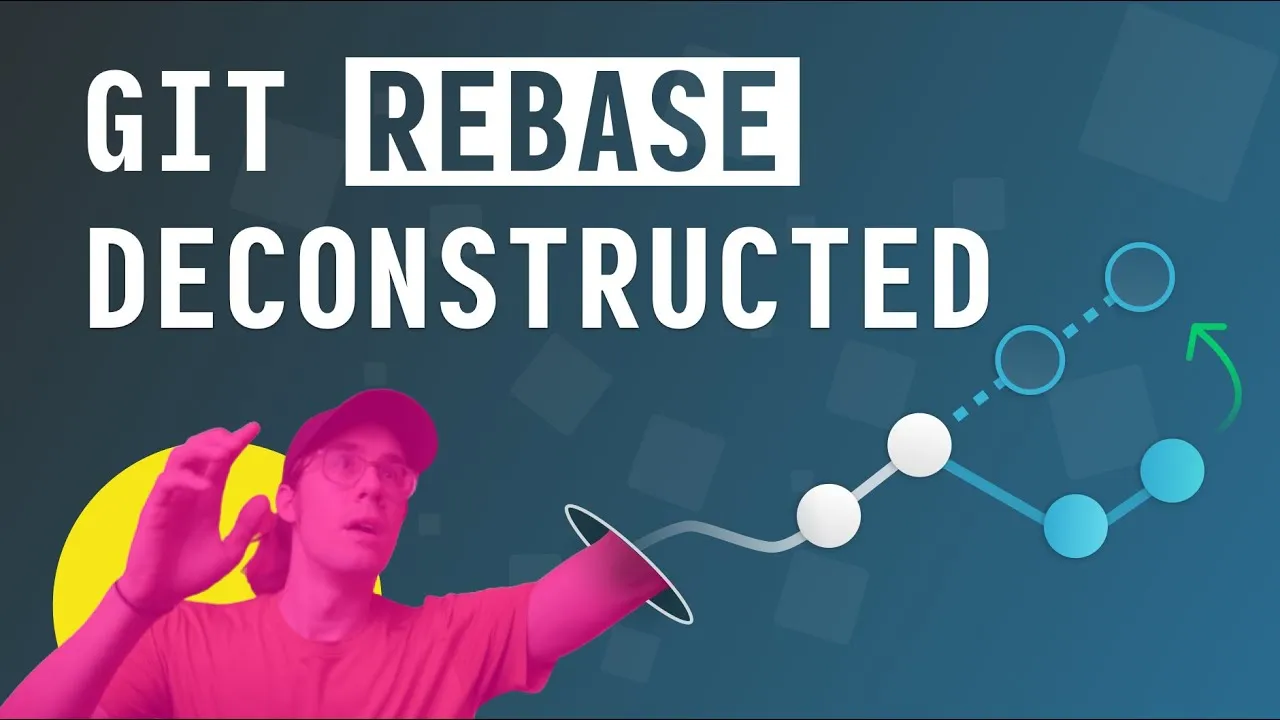
Rebase re-anchors a branch: Git sets your commits aside and replays them on top of another branch’s latest commit. Most people reach for it once at the end, to move a finished feature onto mainline. It’s more useful while you’re still working.
The cheatsheet
Re-anchoring your feature branch
git checkout feature_branch
git rebase main
Re-applies your feature branch commits one by one on top of the latest mainline commit. Run it periodically rather than once at the end, so keeping up with remote changes is spread out instead of reconciled all at once.
Merging a rebased branch
git mergeGives you a fast-forward: Git moves the pointer from the tip of mainline to the tip of your branch, absorbing it without a merge commit. That’s only possible because you rebased first.
Keeping the branch visible in history
git merge --no-ffForces a merge commit on mainline, so the branch survives and you can look back at which commits were originally part of it.
Bringing the branch onto mainline with rebase
git checkout main
git rebase feature_branch
Replays your feature branch commits onto mainline instead of merging them. It looks like a fast-forward merge, but it is not quite the same thing.
The hazard
Git commits are immutable, so the commits on your rebased branch are technically duplicates of the originals: the operation erases and rewrites history. For most purposes that distinction doesn’t matter. It matters a lot if the branch is shared, because other contributors have already pulled the originals. Rule of thumb: if your feature branch is local only, rebase is pretty safe. If it isn’t, avoid it.
Going further
The difference between a rebase and a fast-forward merge is the follow-up I promised; for the merge side of that comparison start with the Git merge tutorial, and for the fuller workflow see a better Git workflow with rebase. The command comes apart properly in the rebase deconstructed course at LearnGit.