
Git Pull vs Fetch: When To Use Each
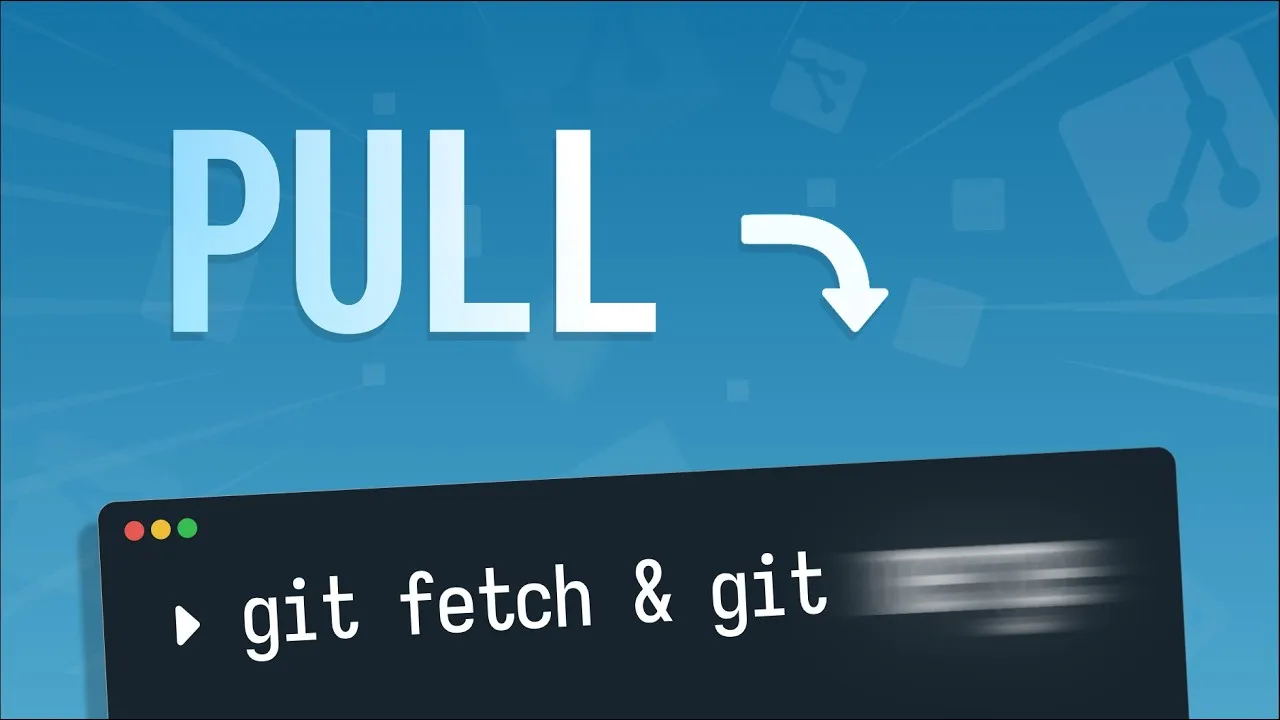
Under the hood, git pull is just git fetch followed by git merge. Fetch downloads changes, and merge integrates them into your local repo.
The cheatsheet
Downloading remote commits
git fetchDownloads commits from a remote repository into your local clone. Your local branches don’t change after fetching, only remote reference pointers are updated.
Incorporating remote commits into your local branches
git mergeAdvances your local branch pointer to reflect the downloaded commits. Typically this looks like: git merge origin/main
Doing both at once
git pullDownloads the commits (git fetch) and updates your local branch (git merge) in a single step.
Rebase commits instead of merge
git pull --rebaseDownloads remote commits then copies local commits and replays them on top of the remote ones.
Pulling with a standard merge
git pull --ff--ff stands for “fast forward optional”: it creates a merge commit only if the local/remote branches diverged.
Pulling only when nothing diverged
git pull --ff-only--ff-only stands for “fast forward only” and it never creates a commit or rewrites history if local and remote changes have diverged. If it detects a divergence, it stops, and hands the problem back to you to resolve manually. If you’re new to Git, --ff-only is a good default.
Going further
- Rebase has pros and cons I didn’t cover. Watch the dedicated rebase video before making
--rebasea habit. - Resolving merge conflicts covers merging and merge conflicts in detail.
- To really dive deep, LearnGit.io’s collaboration course is what you want.